
Our eServices
Mobile banking for convenience—without sacrificing human connection.
Access Services from Anywhere
Bank from anywhere, anytime from our app. Real people whose names you’ll know will still answer the phone. You can still walk into a branch. Mobile banking is for the times when you’re on the go.
What can you do with mobile banking:
- Mobile deposit a check by taking a picture of it
- Check your balance quickly
- Move money between accounts
- Pay a bill. Pay your loan.
- Use your phone in place of your card at checkout
- Receive notifications if anything changes with your account
InFirst will NEVER ask you for your password or authentication code when signing up for any of our E-Services.


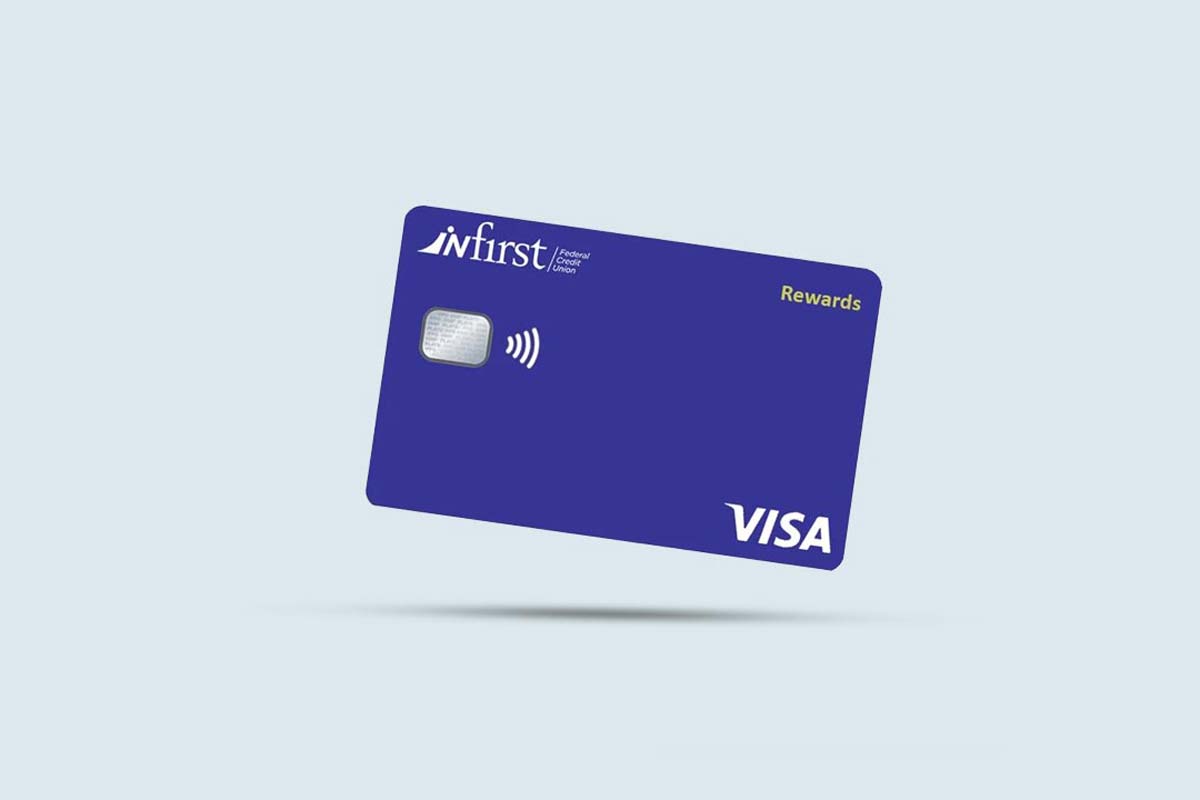
Your E-Wallet
A secure way to pay for items using Apple Pay® (including the Apple Watch), Google Pay™, Samsung Pay®, or Garmin Pay™.
How to Add Your Card:
- Our mobile app will prompt you to take a picture of your card, or you can enter the card information manually.
- Accept the Terms and Agreements and follow the One-Step Authentication.
- Your card is registered! You can use it just about anywhere.
And if you get stuck, call us and someone from our team will walk you through it.
E-Statements and E-Alerts
Sign up for E-Statements
Receive an email when your e-Statement is ready to view. To enroll, login to your online banking account and click on "Menu".
Set up E-Alerts
Receive alerts for deposits, withdrawals, balance notifications, and debit authorizations.
Don't Like Mobile Banking?
If you are enrolled in Online or Mobile Banking but wish to disable the enrollment, please email or call us. If you disable enrollment, you will not be able to log in to Online or Mobile Banking in the future. We cannot fully delete your Online and Mobile Banking enrollment due to legal obligations for retaining Member account information.