


Mobile Banking
Deposit checks remotely by taking a picture with your smartphone. Plus, you can pay bills, check your balances, transfer funds, and more!
For devices besides iPhone®, iPad®, or Android™, access Online Banking from your mobile device.
Please note that mobile deposit may not be compatible with all devices. Data rates may apply.
We now offer text (SMS) messaging. Please text Member Services at (540) 401-8925 or Loan Servicing at (540) 386-1200. By doing so, you agree to participate in our text (SMS) messaging service. Standard text message rates may apply.
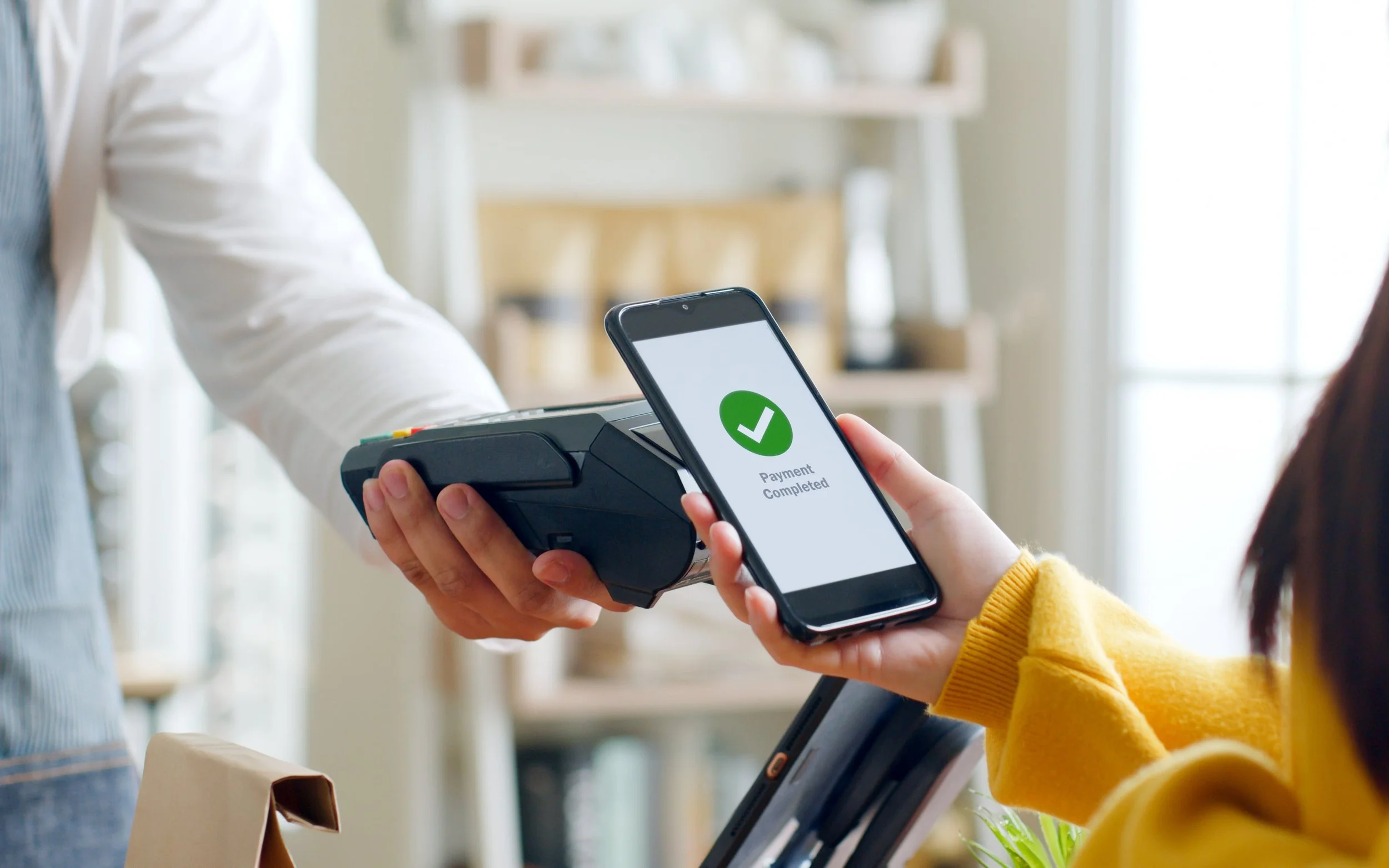
E-Wallets
Pay for items using either Apple Pay® (including the Apple Watch), Google Pay™, Samsung Pay®, or Garmin Pay™.
It’s more secure - because the app signals the card reader with a unique token, which is good for a one-time payment authorization.
It’s simple – the app will either prompt you to take a picture of your card, or you may manually enter the card info. Accept the terms and agreements and follow the one-step authentication. After the card is registered, you may use the app at merchants just about anywhere.

E-Statements
Sign up for e-Statements and receive an email around the first of the month letting you know your eStatement is ready to view! To enroll, log in to Online Banking and click on “Menu”.

E-Alerts
Set up alerts in Online Banking for deposit and withdrawal transactions, balance notifications, and debit authorizations.
Deletion Request
Disabling of Online & Mobile Banking Enrollment
If you have enrolled in Online or Mobile Banking but wish to disable the enrollment, please email us at memberservices@infirstfcu.org or call (703) 914-8700. If you disable enrollment, you will not be able to log in to Online or Mobile Banking in the future. We cannot fully delete your Online and Mobile Banking enrollment/records due to legal obligations for retaining Member account information.